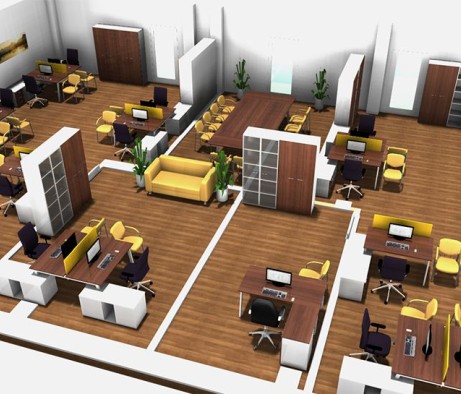

 Series of furniture for staff
 Office desks
 Office cabinets
 Office pedestal
 Office partitions
 Office Accessories
 Series of offices for the head
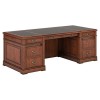 Executive desks
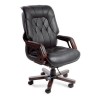 Executive chairs
 Wooden chairs
 Staff chairs
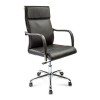 Office chairs
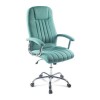 Computer chairs
 Bar and pab chairs
 Soft chairs
 Office sofas
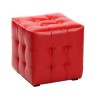 Poufs and banquettes
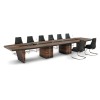 The negotiation area
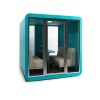 Acoustic cabins
 A series of furniture for the reception area
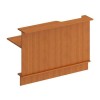 Straight reception desks
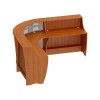 Corner reception desks
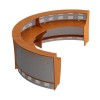 Round reception desks
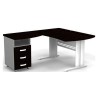 Corner office desks
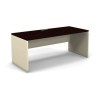 Tables for staff
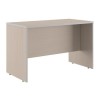 Writing desks
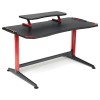 Computer desks
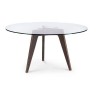 Dining tables
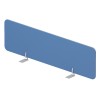 Desktop Office Partitions
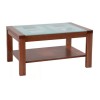 Coffee tables
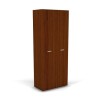 Office wardrobes for clothes
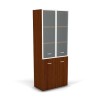 Office filing cabinets
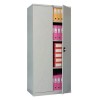 Archive cabinets
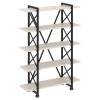 Loft racks
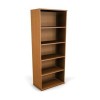 Office shelving
 Marker boards
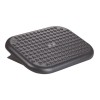 Footrests
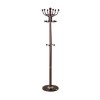 Office Hangers
 Benches
 Bookcases and shelves
 Storage & Organization
Ergonomics of a computer workplace — what is it?
Researchers believe that it is a smart organization of a workspace that is intended to increase the efficiency and performance of a person no matter the place they work from, i.e. an office or home. Ergonomics include:
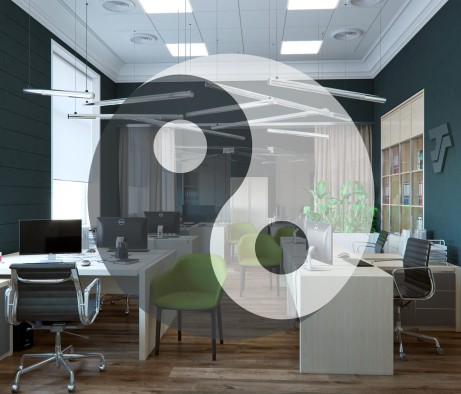
- surrounding environment (workplace position in the premises);
- furniture;
- desktop arrangement.
Everything should be placed comfortably and conveniently for a person: they should not tire too quickly and get distracted from their duties. You should think about it before placing a person at a computer desk. Experienced specialists think through the matter of workspace ergonomics in advance while designing an office.
Why is it necessary to organize the space ergonomically?
We already found out that it will help reduce fatigue. But there is another related question that arises: what will this daily sedentary life at the computer affect?
First of all, it will affect your:
- Knees;
- Neck;
- Shoulders;
- Wrists;
- Eyes.
If the workspace is not suitably well-arranged, it will strongly affect not only your future health, but your current state as well causing:
- Headache;
- Redness and itching of the eyes;
- Pain in the elbows;
- Tingling in the wrists;
- Stiffness of the spine and lower back.
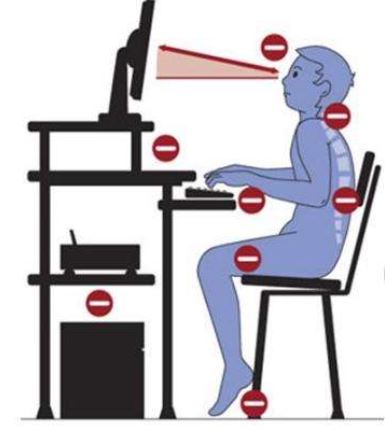
All of that will lower your performance. Thus, we can conclude that the purpose of ergonomics is to optimize the workspace to increase employees’ efficiency and minimize the risk of being injured or facing the consequences of a sedentary lifestyle.
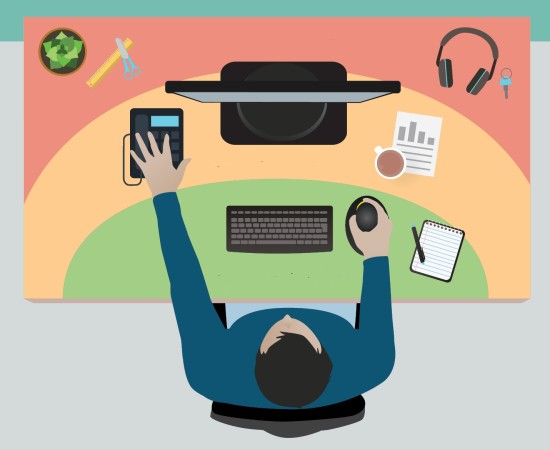
There are certain rules that, if followed, may prevent fast fatigue, relieve physical pain in the body and the following discomfort. For example, you can use the rule of the working triangle when necessary objects are located within the reach of an extended arm, namely:
- desk;
- pedestal;
- shelf stand.
The rule exists to ensure that a worker does not get distracted and waste time looking for or reaching the objects they need.
Rules for office space ergonomics
It is common knowledge that everyone is unique. However, there are standard figures we should stick to for convenient work and long-term sitting.
But before moving on to the main rules, let’s take a look at the main pieces of furniture that are primarily used by employees.
Furniture for organizing a workplace
1. Computer chair with backrest
It is one of the pivotal moments that should be paid attention to. A chair or an armchair provide support for the lower back area. A stool or a kitchen chair are not suitable for long work as you will be quickly worn out and feel uncomfortable. When purchasing one, opt for models with an adjustable back- and armrests.
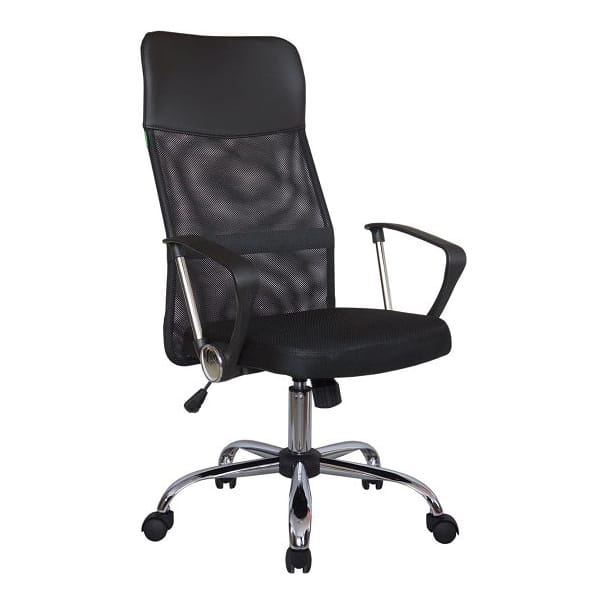
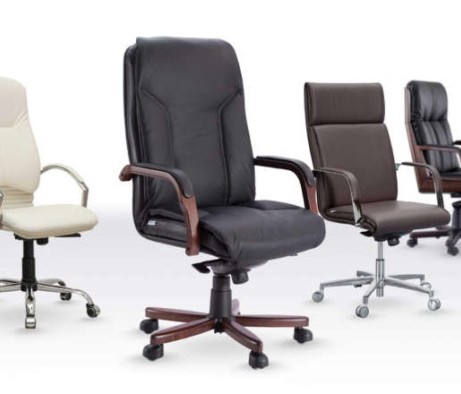
The modern office furniture market offers a wide range of different options including an ergonomic backrest that will support the natural shape of the spine. The photo below shows an example of a correct office chair.
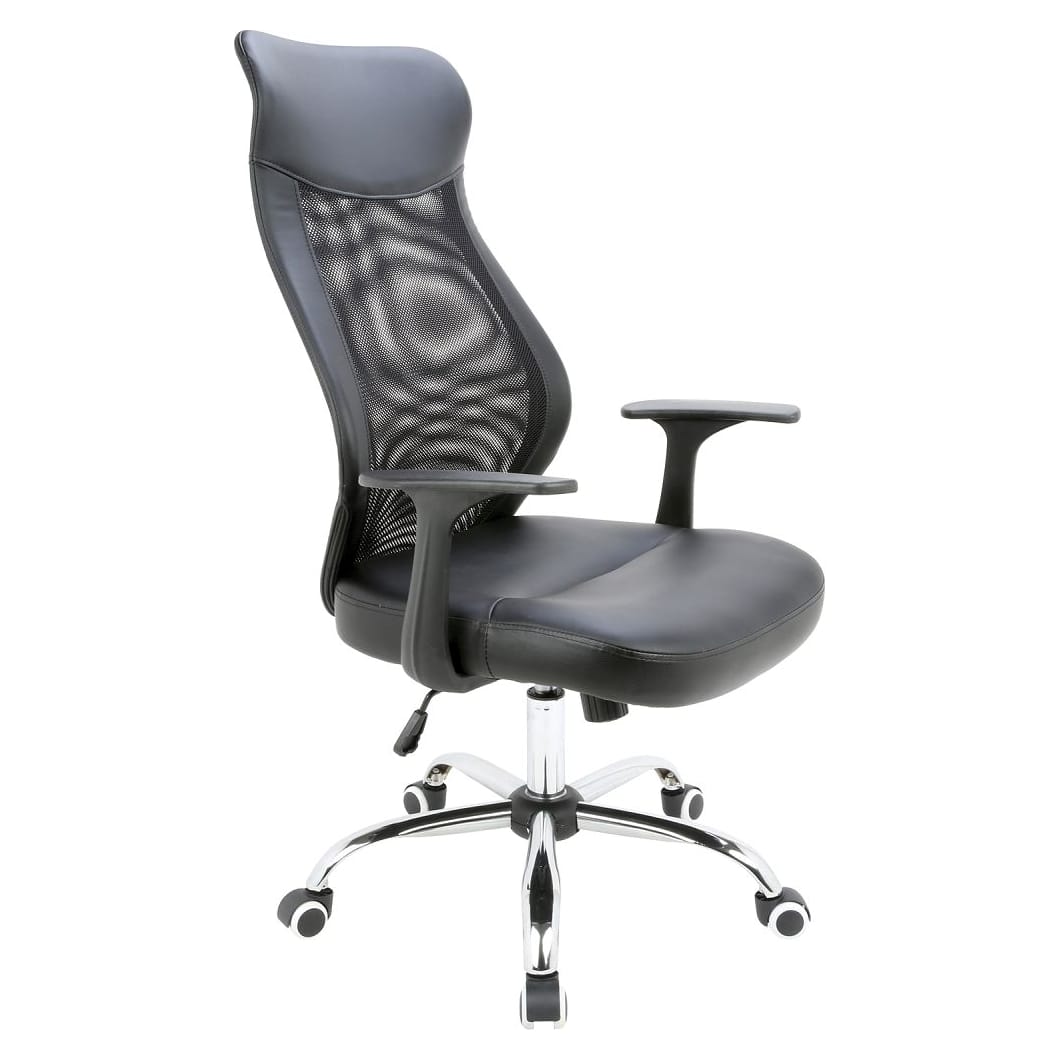
It is better to have a chair with a height adjusting mechanism. It is necessary as everyone has different leg length, and if a chair is used by several people, the mechanism will ensure that everyone can feel comfortable at a desk of any height.
2. Stable office desk
A desk is one of the essentials for an office worker where they spend most of their day. It is advisable to buy it with a set of wheels for better mobility. However, if there is no need for that, get a common desk (it will be more stable).
According to the medical recommendations, the dimensions of an office desk should comply with the following parameters:
- Height: from 27 to 31.5 in;
- Depth (surface): from 31.5 to 39 in;
- Width: from 31.5 to 55 in.
A desk should have a wide surface as there are many objects sitting on it:
- Stationery (writing tools);
- Documents;
- Equipment (computer, landline and mobile phone), etc.
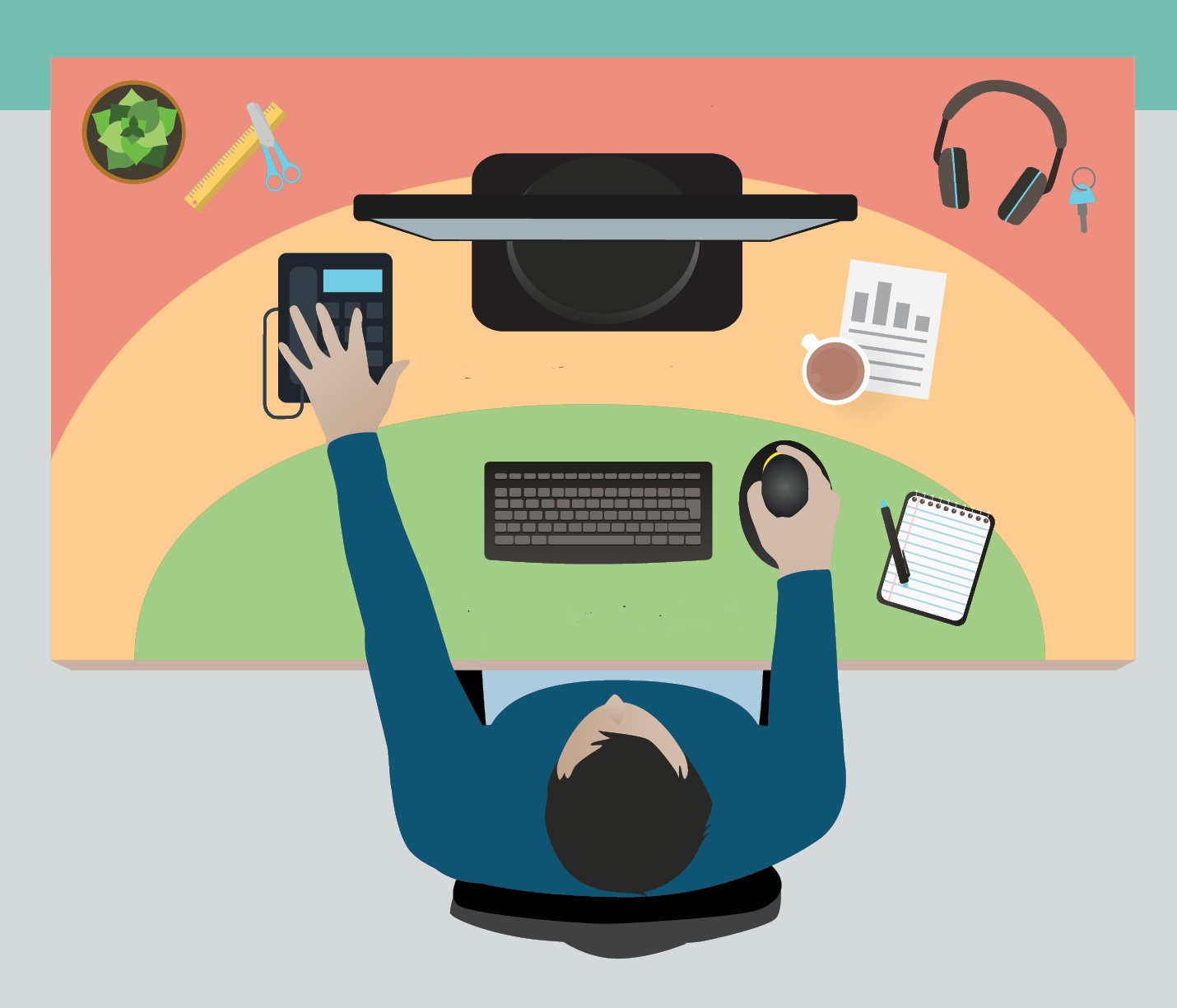
A small desk would not fit all of those objects. It will create chaos and decrease an employee’s performance.
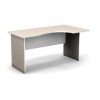
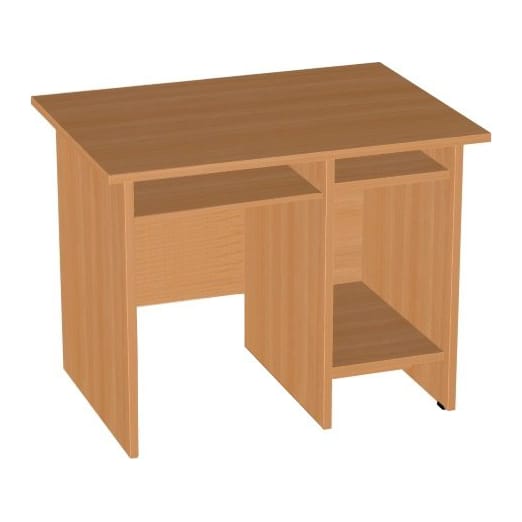
The photo below illustrates an example of a correct working desk:
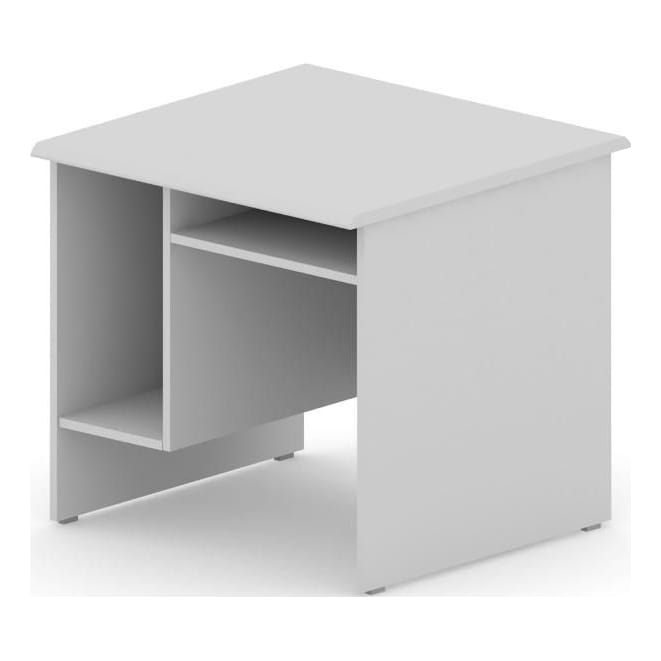
There are many different types of working computer desks.They can have a special sliding hutch for a keyboard; CPU storage; shelves above the surface; slots for stationery; a foot stand, etc. Think about the purpose of the desk before buying it and choose a suitable option for yourself. Do not forget about the desk height - it should be sufficient and comfortable. It is much easier to adjust a chair.
If you are buying desks for your personnel, ask around and find out their preferences. For instance, employees often feel more comfortable with a back panel that hides their legs. It creates the feeling of security and the presence of personal boundaries.
What is important to consider when working at a computer?
Monitor placement
According to the rules of ergonomics the screen (of a computer or laptop) should be at eye level or a bit lower. Do what feels comfortable. But in any case, the distance between you and the screen should be from 18 to 27.5 in. It is the best distance that, firstly, will ensure a clear view, and secondly, protect your eyesight from harmful radiation.
Use computer glasses for full eye protection from emitted radiation.
In case the computer has an uncomfortable position, consider a special stand for it. It will help adjust the placement of a computer or laptop the way you need.
Keyboard placement
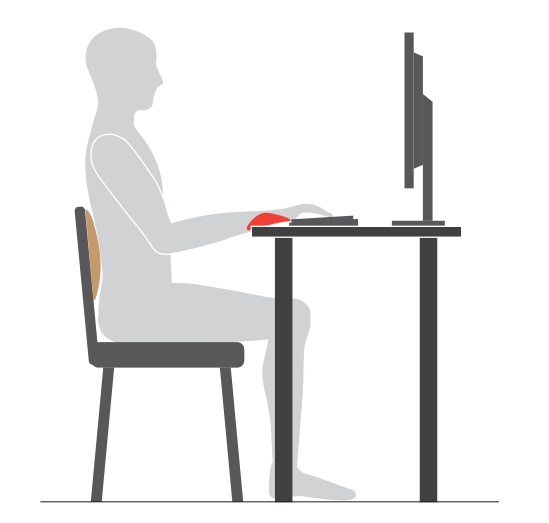
Look at the picture above. You can see a typical position of 80% of office workers that will cause discomfort while working at the computer, starting from a headache because of joint compression and finishing with wrist and elbow pain.
There are a few ways to solve the problem:
- Desk with a sliding hutch;
- Special rollers under the arms;
- Keyboards on legs.
Let’s regard each case separately.
Sliding shelves are also useful as they are positioned at arm level and the elbows easily take a 90 degree angle. That is, you do not have to bend your wrists or hands while typing.
A good example:
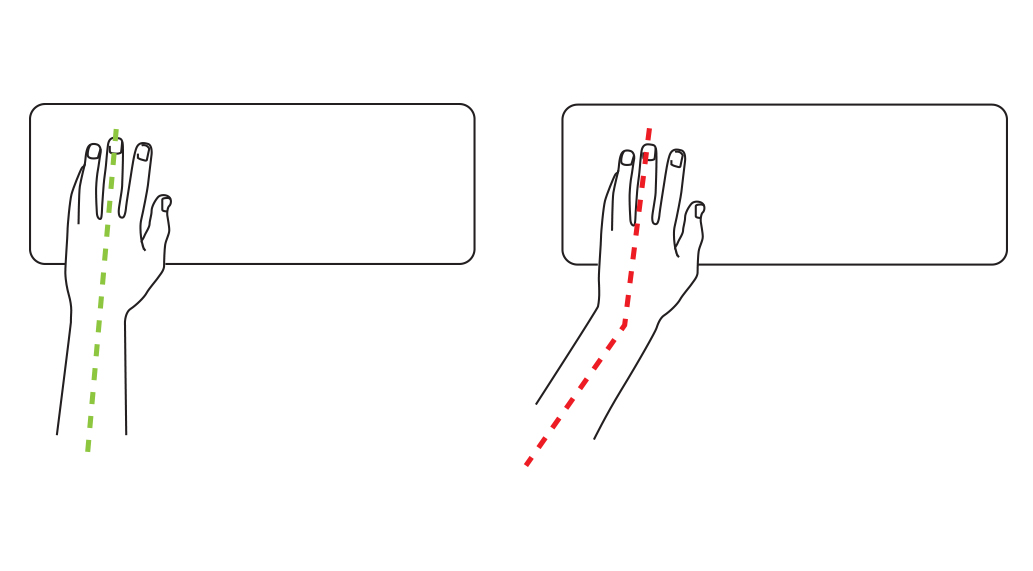
The scientists from Cornell University discovered that it is better to tilt the keyboard away from you for more convenient work. However, you should listen to your body first as this position does not suit everyone.
- The best option is a sliding hutch. It will help adjust the depth of the arm position and will not compress the hands. Moreover, there are shelves that allow you adjust the tilt of their surface.
- Rollers under the arm are a trendy invention which will not suit everyone. It is better to place them under the arm closer to the keyboard rather than under the bending point of the wrist. This, the “cushion” will not compress the blood vessels.
In case the rollers are inconvenient, consider low profile keyboards with short buttons. They will suit the majority of office workers. - A keyboard with legs is a last-century invention. It was created for more “comfort”, but in reality it proved the opposite. “Try on” such a model before buying it. Perhaps, it will be comfortable.
Choose the most suitable option for more efficient work and comfortable position.
Leg placement
“A neutral position” suggests a 90-degree angle of your bent legs. It is the best position as a sharper angle will compress the blood vessels which will cause joint pain and the appearance of varicose veins.
But if you cannot bend your knees too much, can you lean back and sit like that? The answer is no. It will just be uncomfortable. Besides, you will compress your knees with the chair seat. In this position you need to use a stand to keep the right angle.
Spine placement
“A neutral position” requires a 90-degree angle of the back as well. That is, you should not lean forward, lift your head too much or bend your neck. Such a posture will be wrong and cause spinal curvature.
In this case, the must-have element of the chair will be the backrest that we wrote about earlier. It serves as a lower back support. A part of the spine leans on it reducing the stress in the parts of the spine and muscles. Lean against the backrest of the chair to achieve that.
Healthy habits
The positions mentioned above are correct, but you should always pay attention to your posture as there are very few who can maintain the 90-degree angle in their knees and back. You should develop certain habits that will help you feel at ease not only working in the office at the computer but in your daily life as well.
Posture
A straight back is not a primal gift but everyday hard work. Observe the position of your back throughout the day. When you notice that you are hunched over, try to straighten up and remain in this position as long as possible. At first, it will be really unusual and abnormal, but soon you will start noticing the “incorrect” posture and start working on it.
Apart from that, try to lean against the backrest as often as possible while sitting in a chair that has one. It will help you control the tilt angle of your spine and will not let it bend at a wrong angle.
Head position
Do not try to put your head too far forward or tilt it. Hold it straight. You will get the hang of it with time as well. Interestingly, that head position completely depends on posture, so you will gain the right position of the head and neck together with the straight back.
External factors with proper ergonomics
It refers to lighting as well. It is advisable to work in a well-lit space with reasonably bright screens. Though they should not be too bright as it will lead to soon fatigue and pain in the eyes; however, insufficient brightness is not good either as you will have to bend and lean closer to make out the information on the screen.
It is strictly forbidden to:
sit facing the window. The sun will blind you.
sit with your back to the window. Sun patches on the monitor will be distracting and prevent you from efficient work.
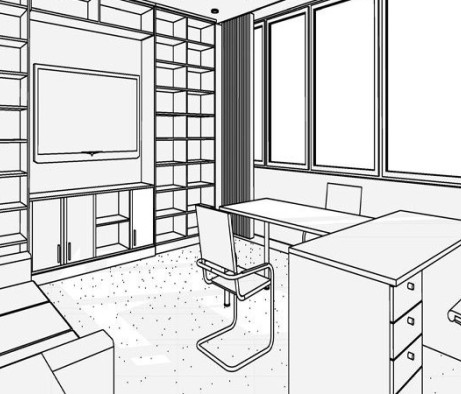
You need to be sideways to the window. This is the best solution.
Useful advice for long-term work
No matter how comfortable your workplace is, have active breaks from time to time. Walk around and do a few exercises (for your body and eyes). Not only will it reboot your body, but your brain too that will help continue your work and increase your productivity.
Furthermore, we recommend changing position more often since it is impossible to sit in one position for 8-9 hours and follow the recommendations written above.
Conclusion
It is not challenging to organize the workplace ergonomically. You just need to think it through beforehand. It is more sensible to think over a comfortable place in the office and then concentrate solely on the working tasks, rather than trying to solve problems with a backache and stiff neck. Always remember about your health even at work.