
 Series of furniture for staff
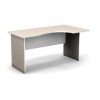 Office desks
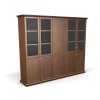 Office cabinets
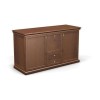 Office pedestal
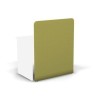 Office partitions
 Office Accessories
 Series of offices for the head
 Executive desks
 Executive chairs
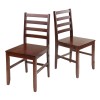 Wooden chairs
 Staff chairs
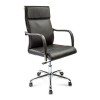 Office chairs
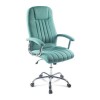 Computer chairs
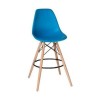 Bar and pab chairs
 Soft chairs
 Office sofas
 Poufs and banquettes
 The negotiation area
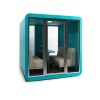 Acoustic cabins
 A series of furniture for the reception area
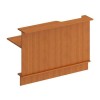 Straight reception desks
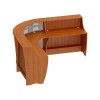 Corner reception desks
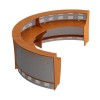 Round reception desks
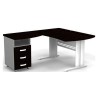 Corner office desks
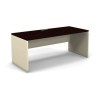 Tables for staff
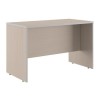 Writing desks
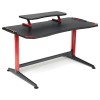 Computer desks
 Dining tables
 Desktop Office Partitions
 Coffee tables
 Office wardrobes for clothes
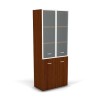 Office filing cabinets
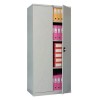 Archive cabinets
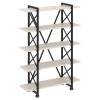 Loft racks
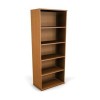 Office shelving
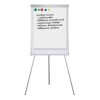 Marker boards
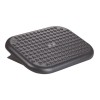 Footrests
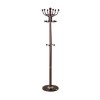 Office Hangers
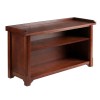 Benches
 Bookcases and shelves
 Storage & Organization
What should you think through and consider before you start planning your space?
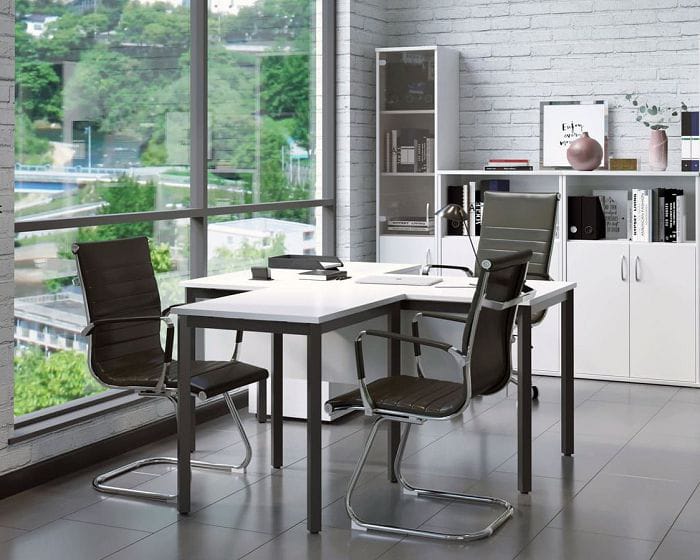
Regardless of their business type, any entrepreneur knows that there are certain standards and factors that they should refer to. They concern the minimal area allotted to one employee, and the amount of light, etc. In order to avoid higher authorities’ influence, promote your company and develop internal infrastructure, you should think about the following things to reflect them in any software afterwards:
Determine the plotting scale of your company
It means you should decide on the number of employees, at minimum because their number will influence the total area of your future office.
Remember that you need to allocate at least 43 ft² to one person according to national codes and standards. Thus, we recommend designing a spacious office as an open space type with mobile furniture.
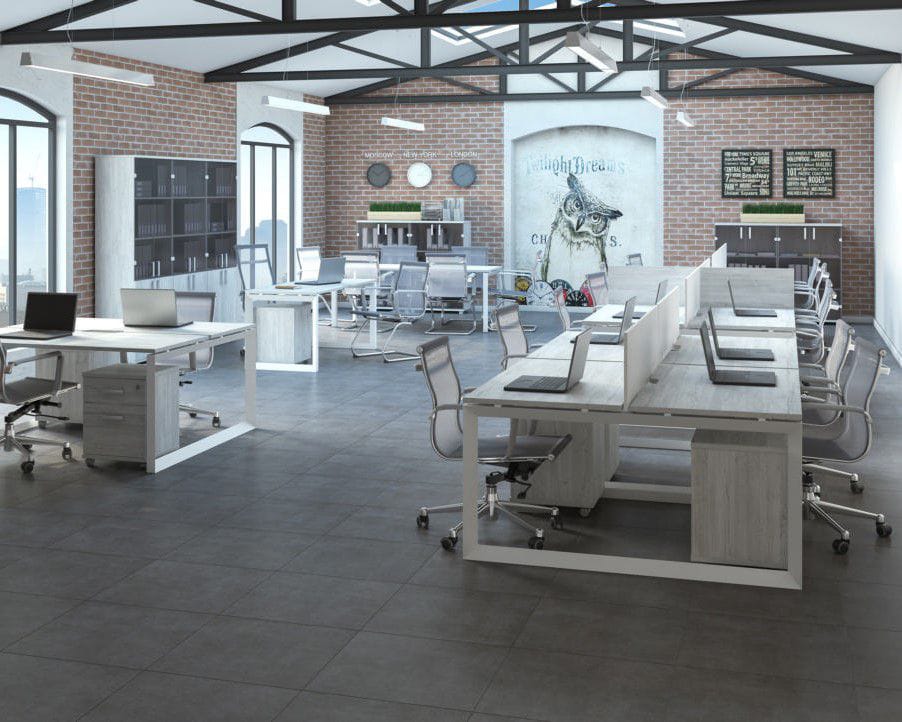
It will include movable partitions and light furniture with casters. It will create a better quality and more accessible internal infrastructure as you will be able to transform the whole office, facelift it or just do a rebranding by rearranging furniture.
Set a goal
This step will help you make up your mind on the layout type, whether it will be an open type (Open space), an office one (or closed) or a mixed type. All depends on the tasks and competence of your employees.
Modern companies often use a mixed type of layout, since they have some workers who need a separate room and others who would not mind working in an Open Space.
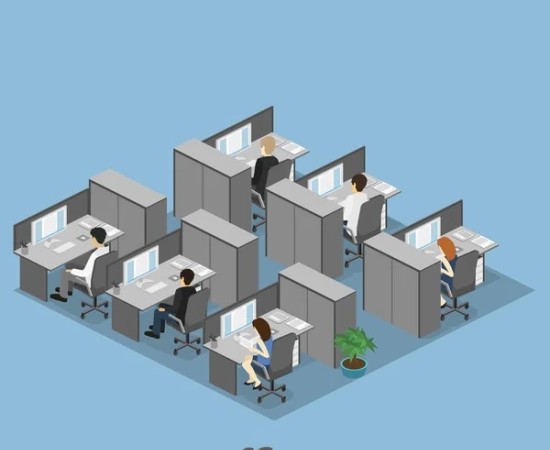
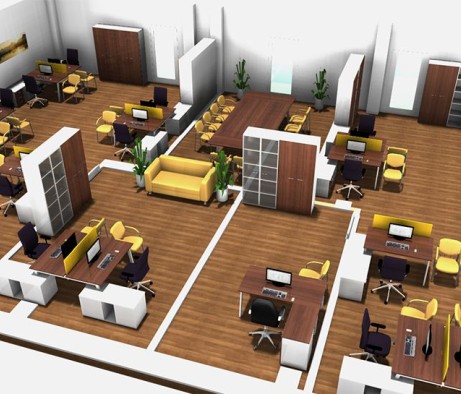
The picture below shows an open type of office layout:
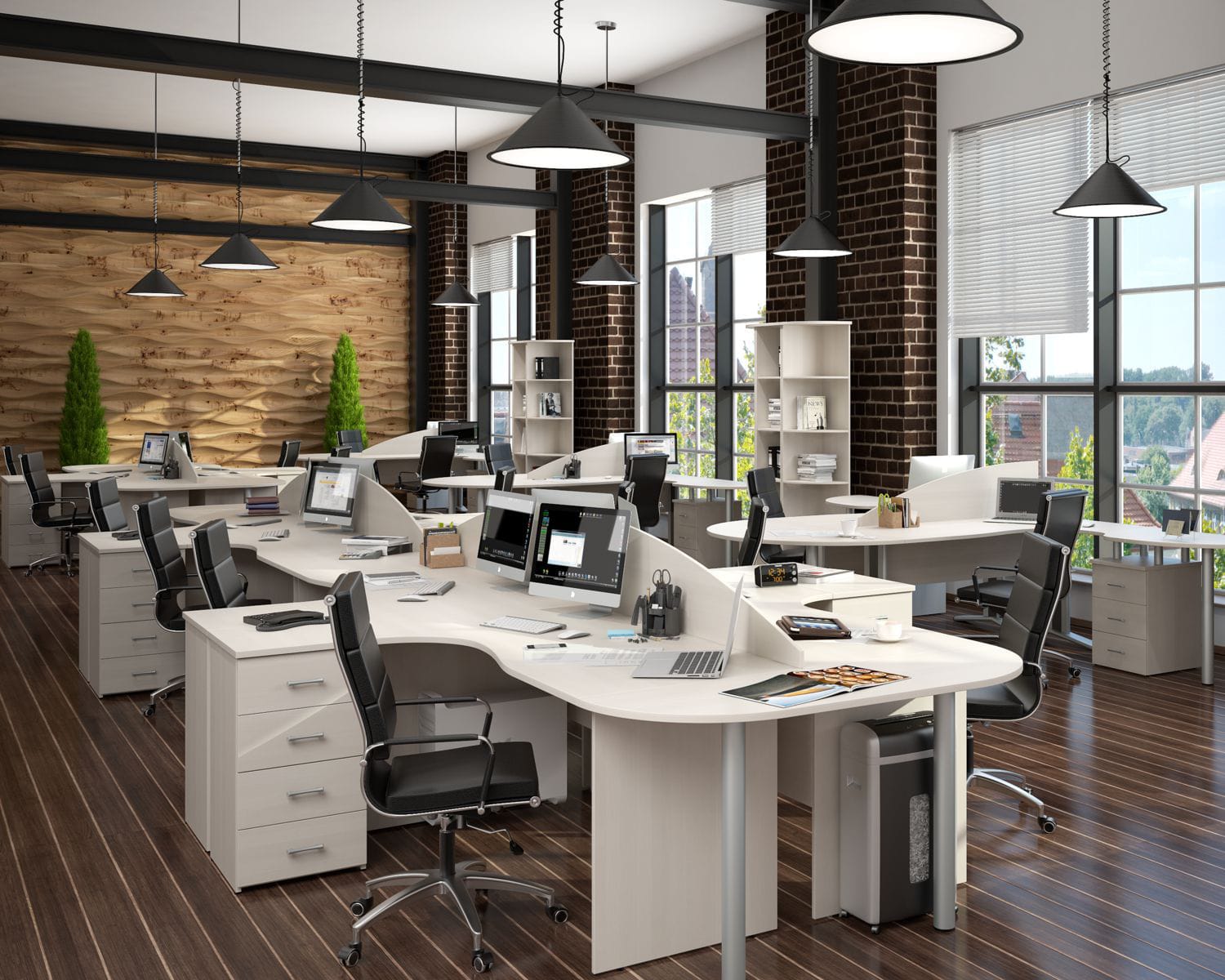
Take a closer look at the working style of groups or separated employees if you already have a team, or just look into the possible options of office types where you would feel at ease doing your job. Rely on the interests and needs of your staff.
Equip a break area
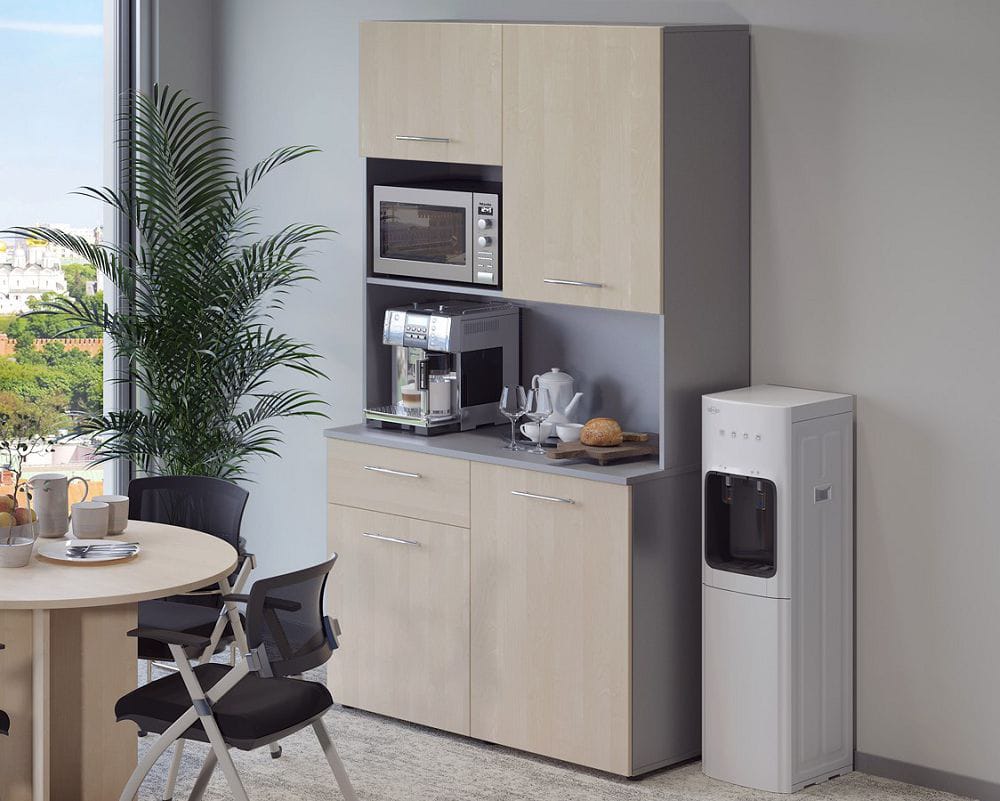
Even the biggest workaholic will not be able to work for a whole day without any break. That is why you should design either a separate break room, or a corner lounge set in an open office. Anyway, your staff needs to have access to kitchen premises with a fridge and microwave oven. Keep a soft sofa with wheels in mind as well. Layout alterations will increase efficiency which will influence the company’s income level.
Office space design
It is an important moment while building a new workspace or planning an already existing one. The level of office comfort and smart design will contribute to the general atmosphere, microclimate and performance of separated employees.
Style
Find out what image your staff has about the future office and try to take their wishes into account in the final version of your design project.
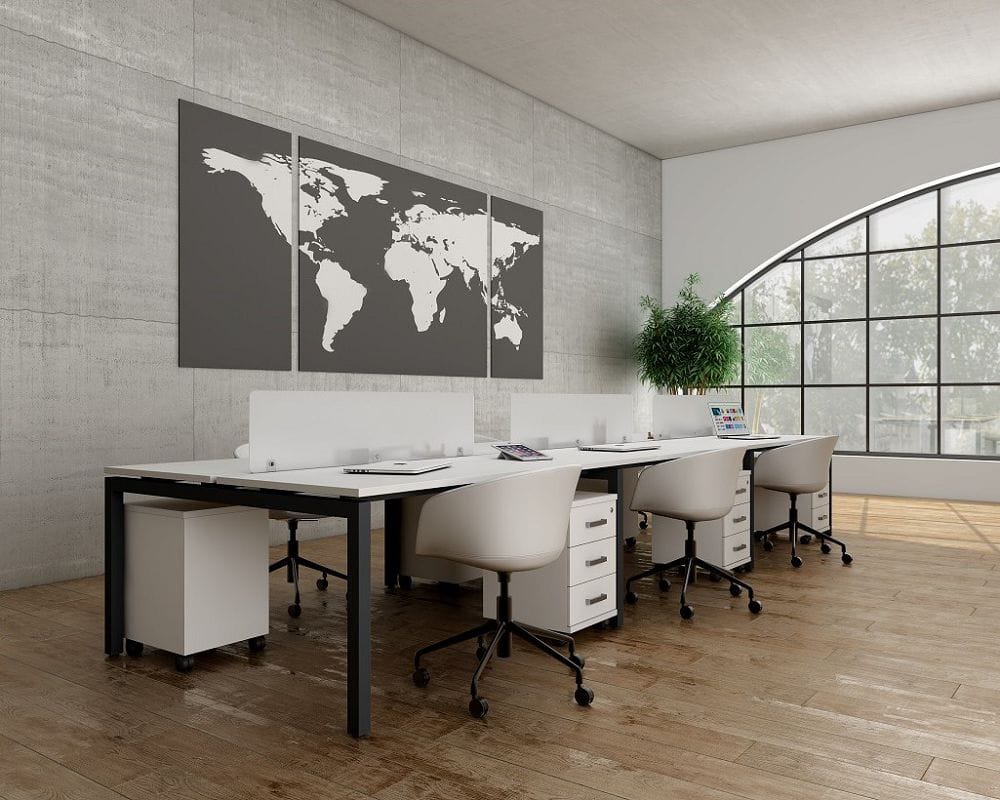
Whether it will be minimalism, high-tech, loft, techno, art déco or maybe a Scandinavian style, everything depends on you and your subordinates, because a company is one mechanism that should run smoothly working together.
Lighting
ВIt is a pivotal moment that plays a huge role in the everyday working life of employees. There should always be enough light in an office. It can be both artificial (lamps, chandeliers, standard lamps, etc.) and natural lighting together.
The latter option implies picture windows. However, you should smartly place your workers window-wise. Smart furniture arrangement can be done with software specializing in that.
Well-lit premises can be created not only by using a lot of lamps but also by light wallpapers and flooring.
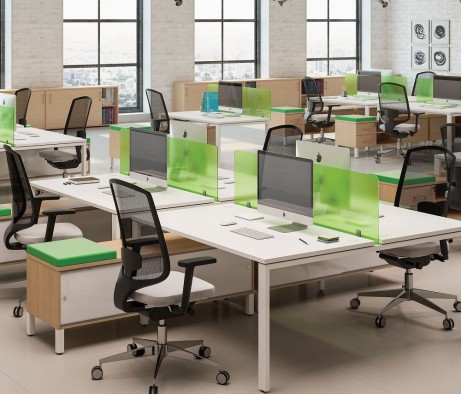
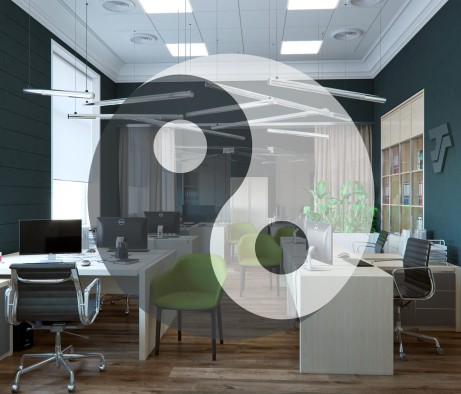
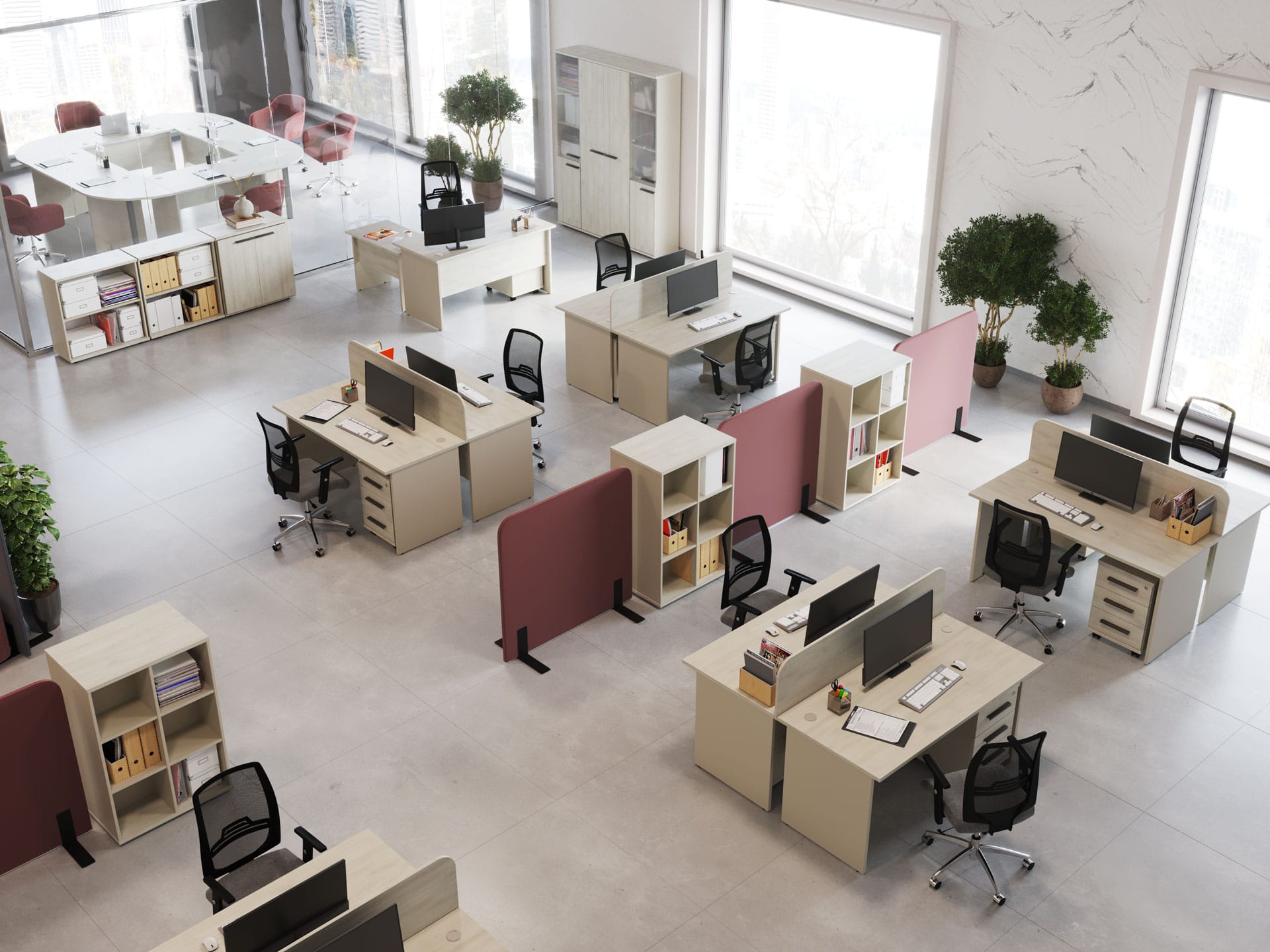
The photo below shows a good combination of picture-windows, pastel shades of finishing materials and adequate sources of light:
Details
Try to remember decor and real plants.
- Accessories will soften the strict working atmosphere.
- Greenery will increase the amount of fresh air and oxygen in the room. In addition, it is generally accepted that green helps the body produce endorphins (happiness hormones), which means that the mood of employees will only improve.
The abundance of decorations will be noticeable for both office employees and visitors and partners. It does not mean you have to put a statue in every corner and hang several pictures on every wall. Do not get carried away and try not to end up in the Land of No Taste.
What is the best way to create a design project: on your own or with the help of professionals?
We recommend asking designers for help. Here are some reasons why you should do it:
- They will save you time. They will do their job much faster, because they know where, with what and why to work.
- They will create a competent design based on your preferences. You need to indicate what you want, and professionals will select the best option based on your wishes or offer a quality alternative.
- They will make a sketch of the future premises in several versions. In case there are no wishes, the designers will try to satisfy your tastes.
- · They will form a turnkey design project.
TOP-5 Free programs for creating design projects and arranging furniture on your own
It is not always possible to address competent people and ask them for help. In that case, you have to act on your own. It is totally fine as modern developers offer tons of ways to create interior design.
When selecting high-quality software options, we took into account the following criteria:
- Availability of English interface;
- Large interior furniture library;
- User-friendly interface;
- Number of possible formats for saving the final project.
RemPlanner
RemPlanner — is a convenient and simple planning tool that will allow you to create a drawing, as well as a design project with finishing, including furniture arrangement in 3D format.
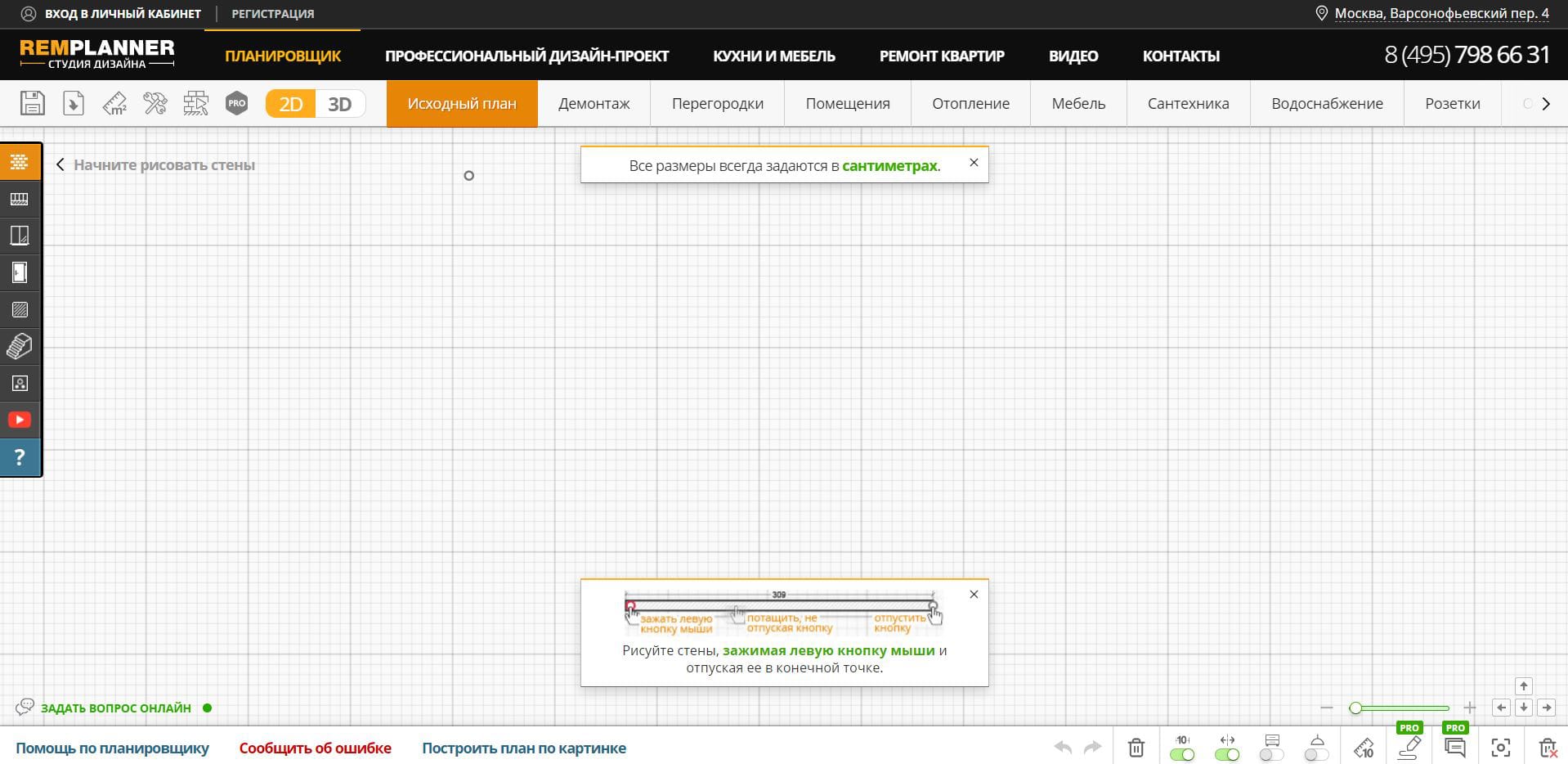
The software has several distinctive features:
- It is an online software program. This will greatly simplify work, since the user will not need to download and install the software on their computer.
- The ability to edit the project at all stages.
- The ability to enter precise detailed measurements by:
- Dimension plan;
- Door layout;
- Lighting;
- Heated floors;
- Wall plaster;
- Installation of screeds;
- Wall dismantling;
- Installation of partitions;
- Installation of air conditioners;
- Furniture arrangement;
- Installation of plumbing and sockets.
The site has a user-friendly interface. After opening, a window with training pops up, and throughout the work process tips pop up and greatly simplify the work and make it comfortable. There is technical support, which you can contact for free.
The service also has a paid professional version, which allows you to:
- Calculate a BOQ at each stage;
- Download drawings in PDF format for printing.
Interior Design 3D
This is one of the most common versions of space planning software. And it is completely novice friendly.
Unlike RemPlanner, this tool is software that requires installation. This is not a problem, since its official website contains instructions for downloading and installing its library, as well as a guide to arranging rooms, making a BOQ, etc.
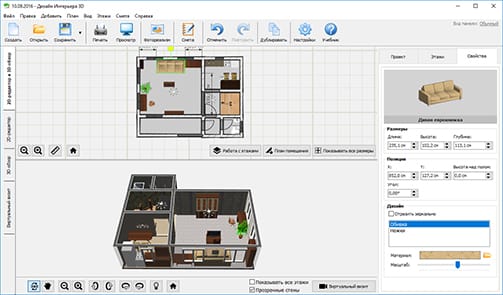
The software has its own set of features, among which are:
- Ultra-precise rendering of any room.
In the software, you can build an office space based on real dimensions. If you do not have specific numbers and ideas, you can use existing templates.
- Abundance of finishing materials.
Your office will look realistic thanks to the extensive library. You can also upload your own textures if needed.
- Comfortable arrangement of office furniture.
The furniture can be rotated in any direction, its size and type can be adjusted.
- Virtual tour.
As a result, you will be able to use several modes of viewing the finished version: immerse yourself in the finished room from first-person view or use the tool for creating interior photos.
Planner 5D
Another resource that will help you create a room, model an office with several floors, apply finishing as you see fit, and also arrange furniture from the proposed catalog.
The service offers several modes:
- 2D format;
- 3D format.
A minor downside to be mentioned is that you have to have a high-speed internet connection to work with this designer. As to the rest, Planner 5D has a user-friendly interface in English, a wide range of furniture in the library catalog (over 5 thousand items for the interior) and is distributed free of charge. In addition, the software can be downloaded not only to a computer, it is also supported by a phone or tablet using Windows, Mac OS, iOS, Android, Web.
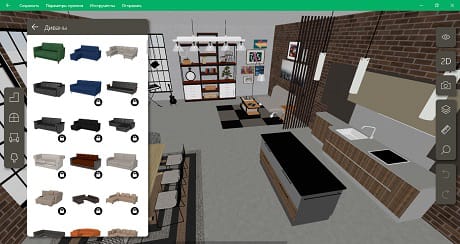
The program is not limited to the free version. There are also Premium and Premium Plus plans. You can find out about the paid plans on the official website of the service.
Homestyler
A quality online service that gives maximum opportunities to those who are focused on furniture arrangement.
The following can be noted as advantages of the software:
- Homestyler does not require installation. This means that you can work directly from the site.
- Provided with a sufficient set of tools to create a furniture arrangement plan in the office.
- Minimalistic user-friendly interface.
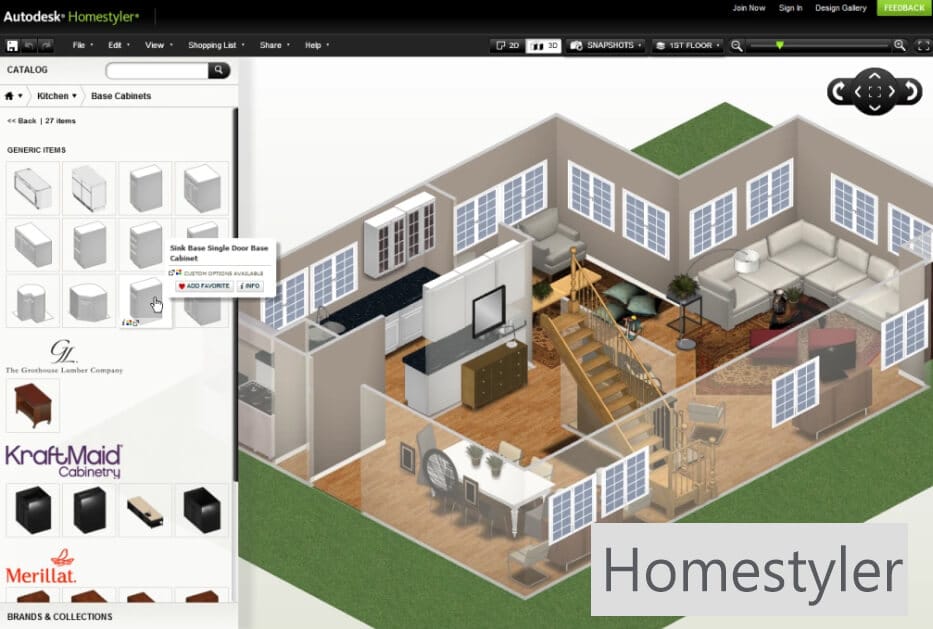
Among the disadvantages, we note:
- You have to an Internet connection when working with the service;
- It is impossible to create a detailed design project.
This software will serve as an active assistant to those who are not looking for complex mechanisms and do not like to bother with complicated programs. It covers basic functions.
Sweet Home 3D
A minimalist program that has a number of advantages and capabilities.
When creating a project, you can:
- Build an office even with complex geometry;
- Customize the color and size of the different objects;
- Drag and drop objects around the room;
- Change the furniture configuration; frame and facade finishing options;
- Add highlights
- Take a virtual 3D tour after being satisfied with the design you have created.
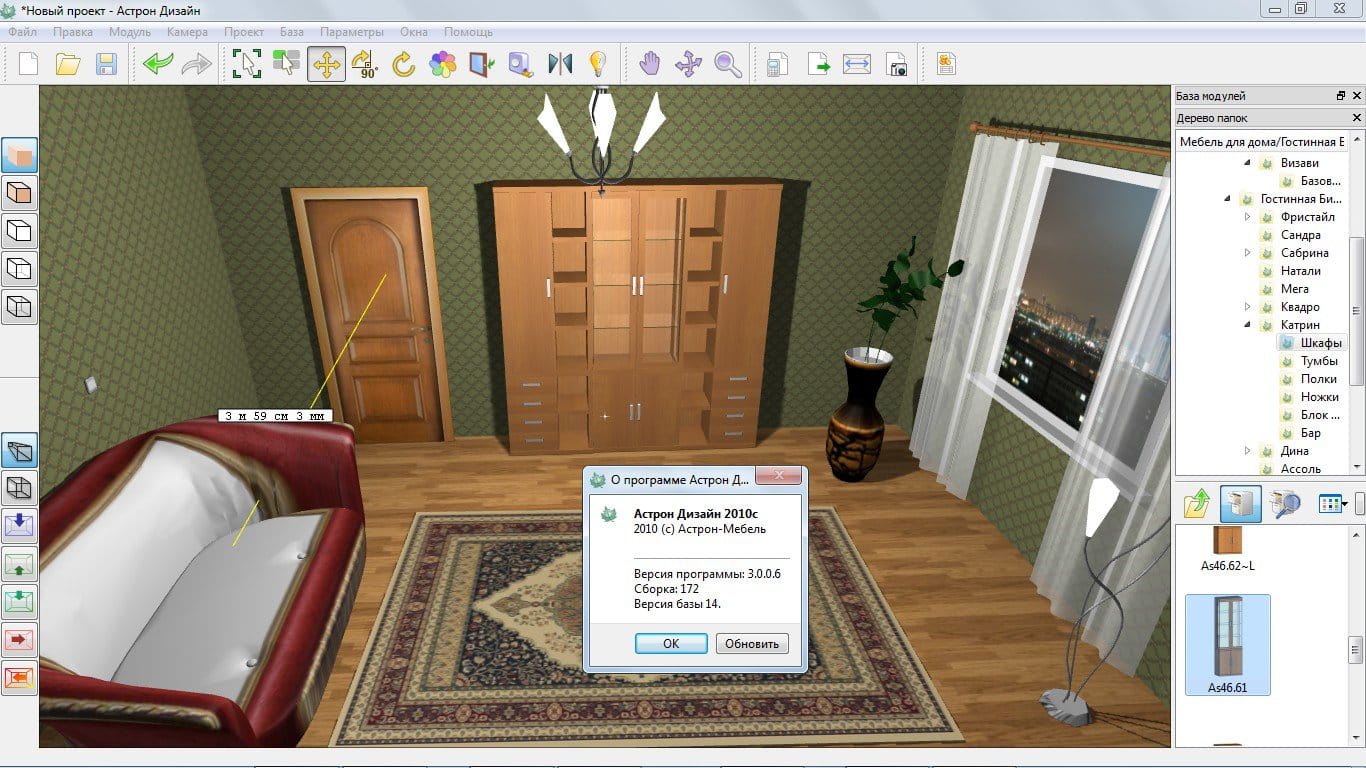
In addition, you have an opportunity to turn your virtual tours into photos and videos if necessary.
Paid programs for creating interior design and arranging furniture
Here is the selection of paid software for commercial use by companies that need to create design projects in a high-quality format with extended features.
Google Sketchup
The advantages include:
- Precise adjustment of color, parameters and sizes of furniture, wall thickness, coatings.
- The ability to expand the library by adding your own developments to the catalog.
Also, the finished design project can be viewed in 3D mode “from above” and in VR format.
AutoCad
A quality service that has a lot of possibilities:
- Drawing a diagram of even hidden communications.
- There are over 8 thousand objects at the user's disposal.
- A single cloud storage that will allow you to work together with a team.
The software supports both a web version and a smartphone application.
A significant downside is that you will have to learn how to use AutoCad to design projects in that program as it is a professional tool that is not amateur-friendly at all.
FloorPlan 3D
A quality service for independent use. Contains a simple interface with ready-made templates.
The program will allow you to calculate a BOQ including the amount of material consumed.
Home Designer
It features a huge selection of furniture and interior items. There is a function for calculating the final cost of the project.
In addition, the project can be rendered and exported to video format. This function is not available in any of the paid programs offered above.
Conclusion
In order to choose a suitable digital designer for creating the interior and arranging furniture in your office, you should set goals. Ask yourself a couple of questions that will help you make the right choice. Do you need to work with the interior or arrange the furniture as precisely as possible? Does the file format matter? How powerful is your computer? Are you going to use only your PC or might you also use a smartphone? There are many factors that will influence your choice of software.
Take your time and estimate risks for arranging furniture in the office or creating a design project by yourself. In some cases, you can ask professionals for help. They will consult you in any way possible and send you in a proper direction even when choosing office interior design software.